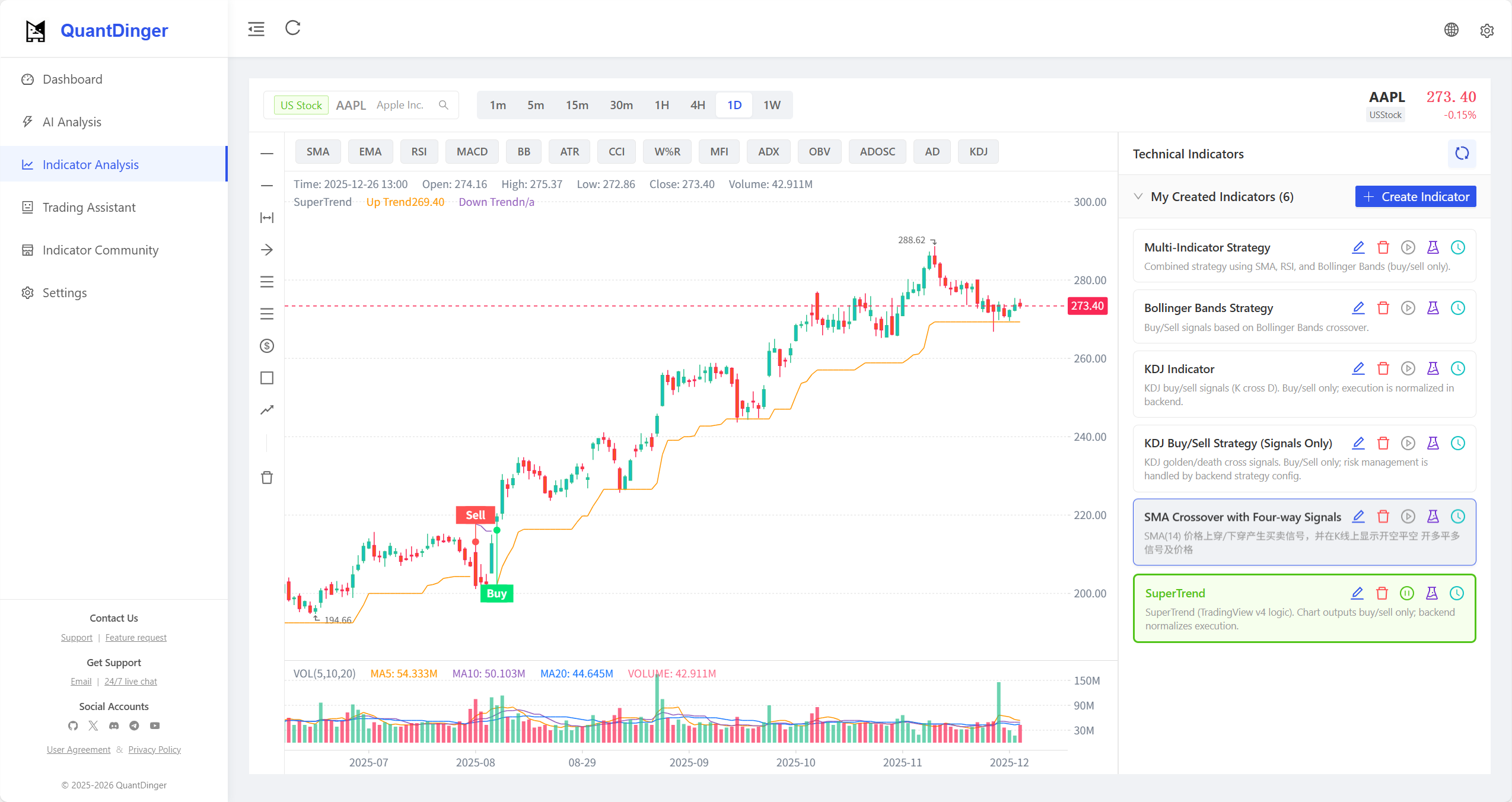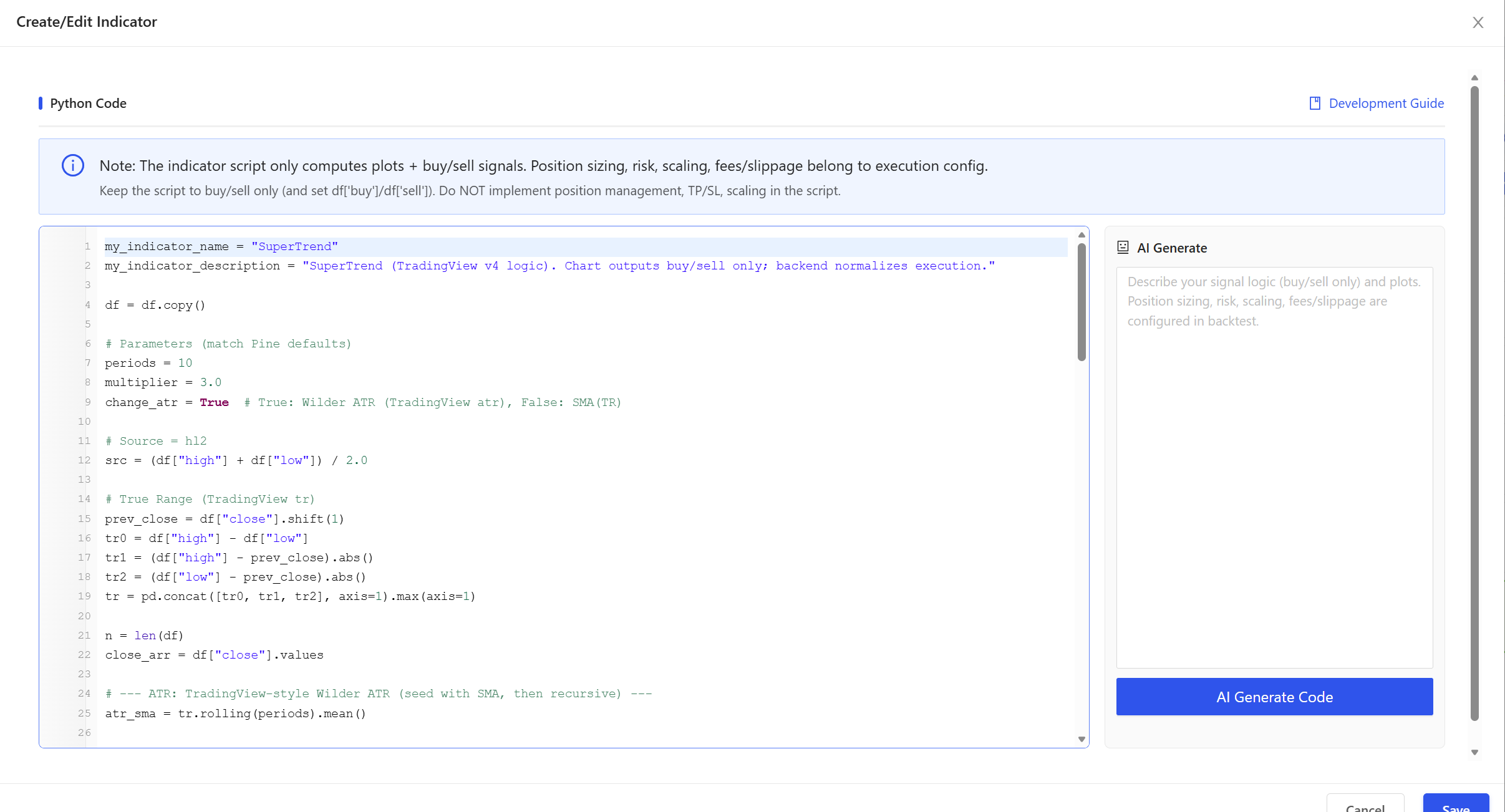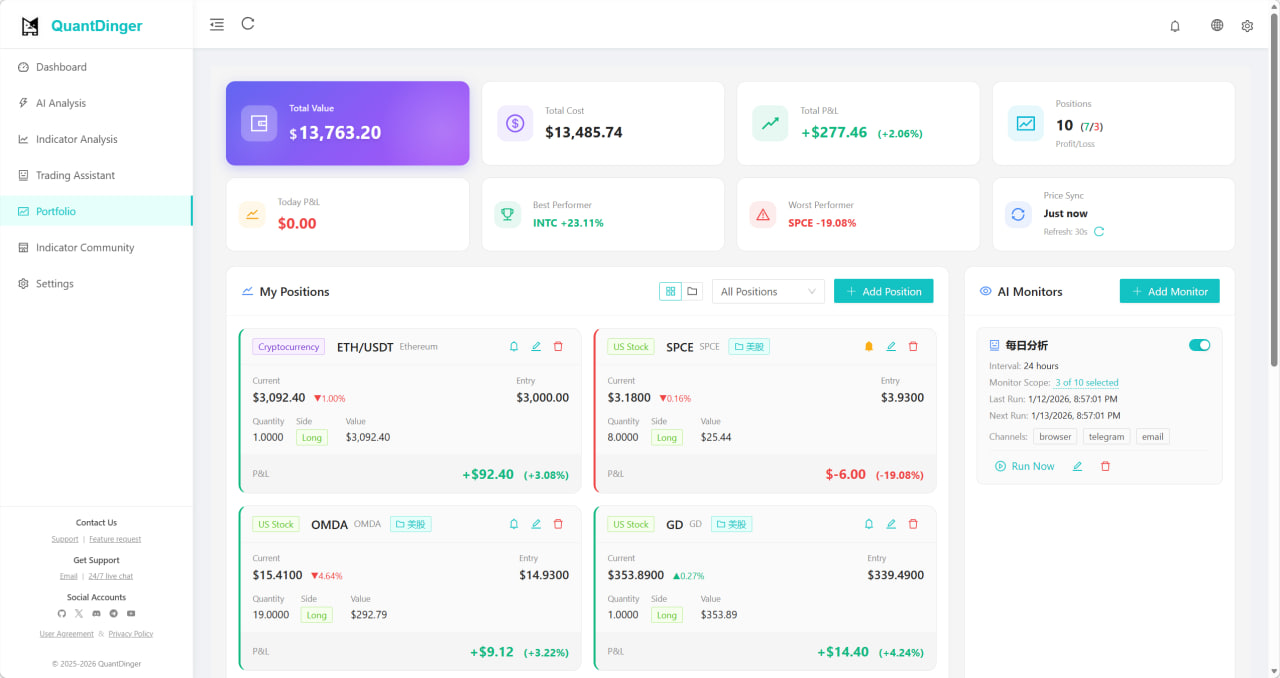
QuantDinger
AI-Native Quantitative Trading Platform
Vibe Coding Meets Algo Trading
🇨🇳 中文 ·
🇺🇸 English
🌐 Live Demo ·
📺 Video ·
💬 Community ·
🚀 Quick Start
7 AI Agents · Python Strategies · 10+ Exchanges · Prediction Markets · Your Server, Your Keys
Describe your trading idea in natural language → AI writes the Python strategy → Backtest → Live trade.
Zero coding required. Self-hosted — your API keys and strategies never leave your machine.









🇺🇸 English · 🇨🇳 简体中文 · 🇹🇼 繁體中文 · 🇯🇵 日本語 · 🇰🇷 한국어 · 🇩🇪 Deutsch · 🇫🇷 Français · 🇹🇭 ไทย · 🇻🇳 Tiếng Việt · 🇸🇦 العربية
---
## 📑 Table of Contents
- [🚀 Quick Start (2 Minutes)](#-quick-start-2-minutes)
- [🎯 Why QuantDinger?](#-why-quantdinger)
- [📸 Visual Tour](#-visual-tour--watch-video-demo)
- [✨ Key Features](#-key-features)
- [🔗 QuantDinger exchange signup (referral)](#quantdinger-exchange-signup-referral)
- [🔌 Supported Exchanges & Brokers](#-supported-exchanges--brokers)
- [🏗️ Architecture & Configuration](#️-architecture--configuration)
- [📚 Documentation Index](#-documentation-index)
- [💼 License & Commercial](#-license--commercial)
- [🤝 Community & Support](#-community--support)
---
## 🚀 Quick Start (2 Minutes)
> **Only need**: [Docker](https://docs.docker.com/get-docker/) installed. Nothing else.
```bash
# 1. Clone
git clone https://github.com/brokermr810/QuantDinger.git
cd QuantDinger
# 2. Copy backend config
cp backend_api_python/env.example backend_api_python/.env
# 3. Generate and write a secure SECRET_KEY
./scripts/generate-secret-key.sh
# 4. Launch!
docker-compose up -d --build
```
> **Linux/macOS**:
> - Copy backend config:
> `cp backend_api_python/env.example backend_api_python/.env`
> - Need more knobs? Scroll to the lower "Advanced / rarely changed" section inside:
> `backend_api_python/env.example`
> - Optional: if Docker Hub is slow/unreachable in your network, copy root Docker config:
> `cp .env.example .env`
> - Generate and write `SECRET_KEY`:
> `./scripts/generate-secret-key.sh`
> - Launch:
> `docker-compose up -d --build`
> **Windows PowerShell**:
> - Copy backend config:
> `Copy-Item backend_api_python\env.example -Destination backend_api_python\.env`
> - Need more knobs? Scroll to the lower "Advanced / rarely changed" section inside:
> `backend_api_python\env.example`
> - Optional: if Docker Hub is slow/unreachable in your network, copy root Docker config:
> `Copy-Item .env.example -Destination .env`
> - Generate and write `SECRET_KEY`:
> `$key = py -c "import secrets; print(secrets.token_hex(32))"`
> `(Get-Content backend_api_python\.env) -replace '^SECRET_KEY=.*$', "SECRET_KEY=$key" | Set-Content backend_api_python\.env -Encoding UTF8`
> - Launch:
> `docker-compose up -d --build`
> **⚠️ Security Note**: The container will **NOT start** if `SECRET_KEY` is using the default value. This prevents insecure deployments.
🎉 **Done!** Open **http://localhost:8888** | Login: `quantdinger` / `123456`