 Etherdrake
3.6 KiB
3.6 KiB
Documentation Index
Fetch the complete documentation index at: https://docs.polymarket.com/llms.txt Use this file to discover all available pages before exploring further.
Builder Profile & Keys
Learn how to access your builder profile and obtain API credentials
Accessing Your Builder Profile
Go to [polymarket.com/settings?tab=builder](https://polymarket.com/settings?tab=builder) Click your profile image and Select "Builders"Builder Profile Settings
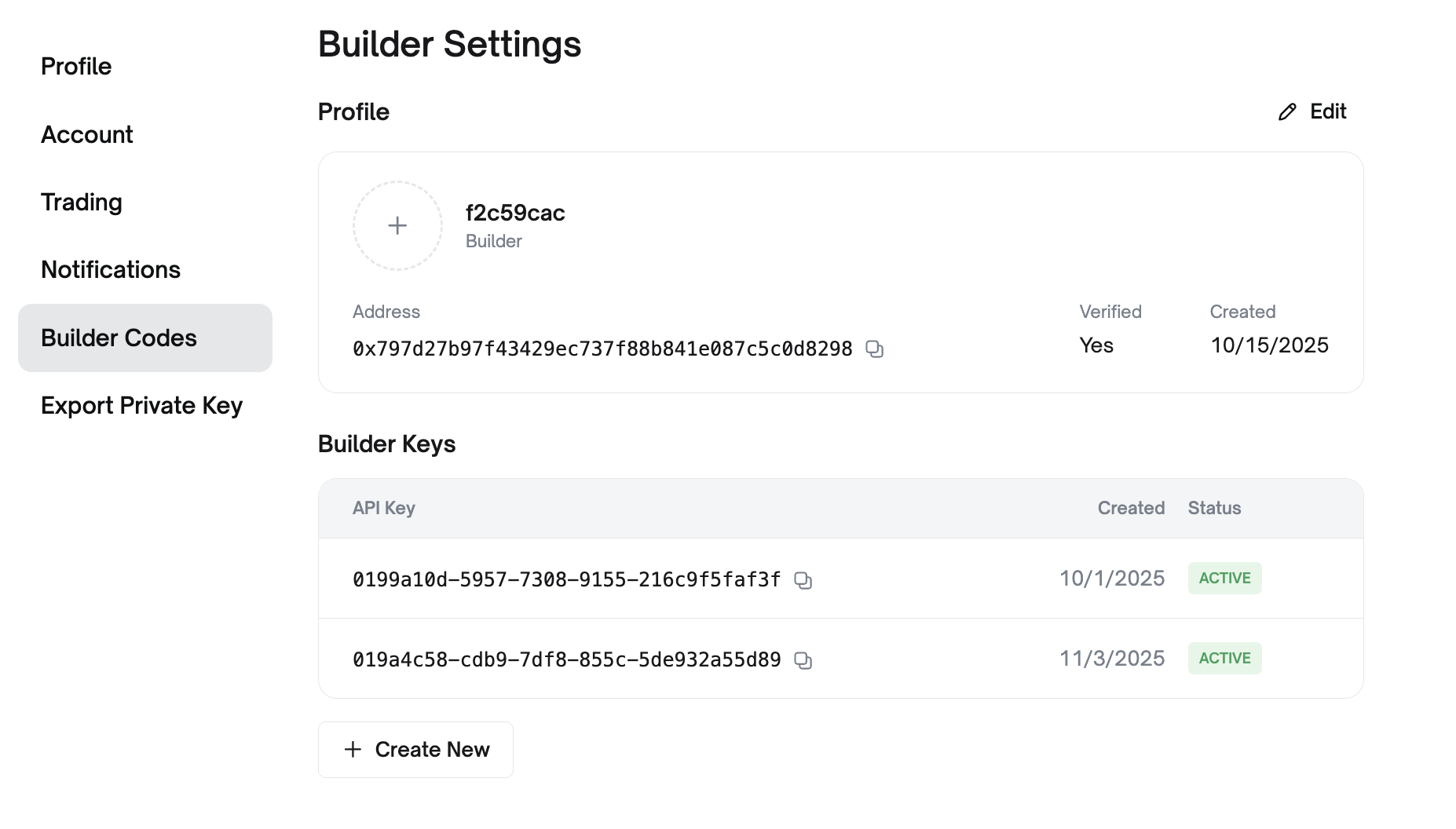
Customize Your Builder Identity
- Profile Picture: Upload a custom image for the Builder Leaderboard
- Builder Name: Set the name displayed publicly on the leaderboard
View Your Builder Information
- Builder Address: Your unique builder address for identification
- Creation Date: When your builder account was created
- Current Tier: Your rate limit tier (Unverified or Verified)
Builder API Keys
Builder API keys are required to access the relayer and for CLOB order attribution.
Creating API Keys
In the Builder Keys section of your profile's Builder Settings:
- View existing API keys with their creation dates and status
- Click "+ Create New" to generate a new API key
Each API key includes:
| Credential | Description |
|---|---|
apiKey |
Your builder API key identifier |
secret |
Secret key for signing requests |
passphrase |
Additional authentication passphrase |
Managing API Keys
- Multiple Keys: Create separate keys for different environments
- Active Status: Keys show "ACTIVE" when operational